Layout
- Left: account folders such as Inbox, Drafts, Sent, Trash and Junk, plus any subfolders you create
- Middle: message list for the selected folder, with search and sort controls
- Right: message preview when a message is selected
Compose
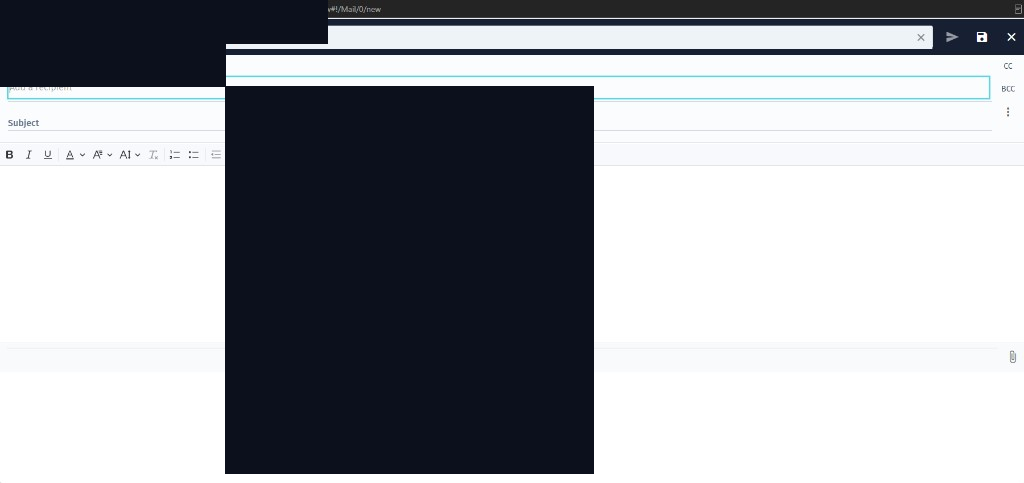
Use the compose control to open a new message. You can format text, add attachments, and send using the send control. Drafts are saved under Drafts.
Organisation
Create subfolders to organise mail, apply labels where available, and use filters for automatic sorting. See also filters and vacation replies.