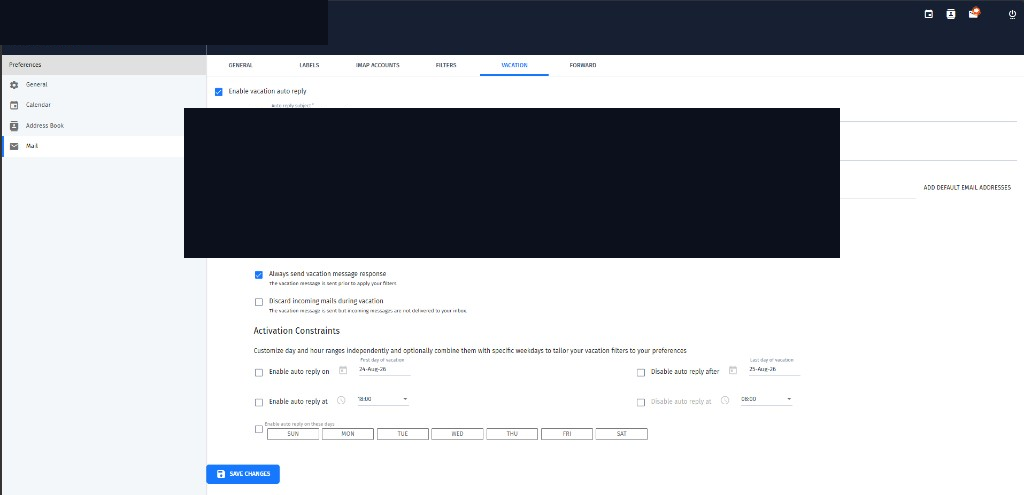
Open Mail preferences
From webmail, open Preferences (gear) and choose Mail. Use the Filters and Vacation tabs.
Filters
Create a filter, set the conditions (for example sender or subject), choose the action (move to folder, label, and so on), then save. Filters help keep busy inboxes organised.
Vacation auto-reply
- Enable vacation auto-reply
- Write a clear auto-reply message
- Set the email addresses that should send the reply
- Optionally set start/end dates and times
- Save changes
Use a short professional message. Avoid promising exact return times unless you are sure.