Before you start
You need your full email address (for example you@yourdomain.co.za), your mailbox password, and the webmail URL supplied when your mailbox was created. If you do not have the URL, check your welcome email or contact 0724 support.
Sign in
- Open the webmail URL in a modern browser
- Enter your full email address as the username
- Enter your mailbox password
- Complete any two-factor authentication step if it is enabled on your account
After login
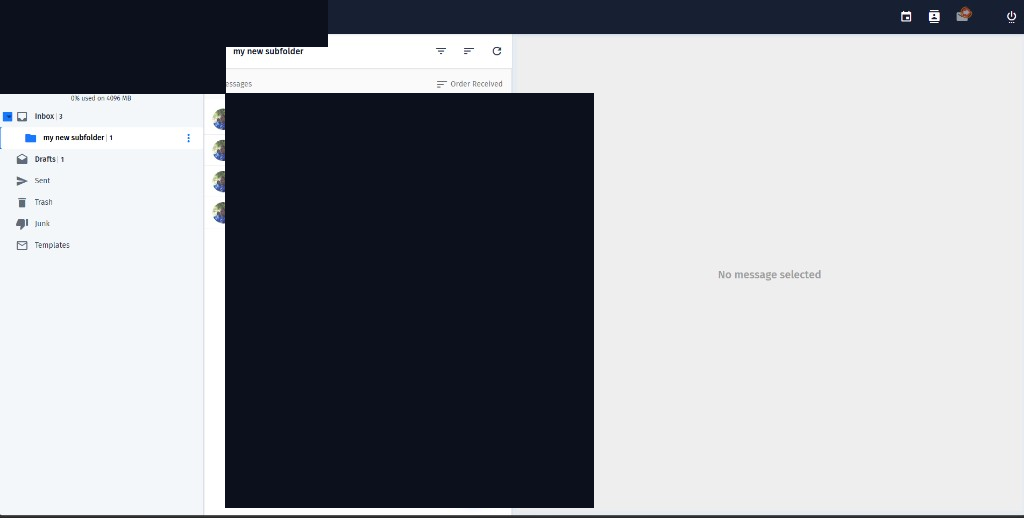
Use the icons in the top bar to switch between Mail, Calendar and Contacts. Your folders appear in the left sidebar. Storage used for the mailbox is shown near the top of the sidebar.