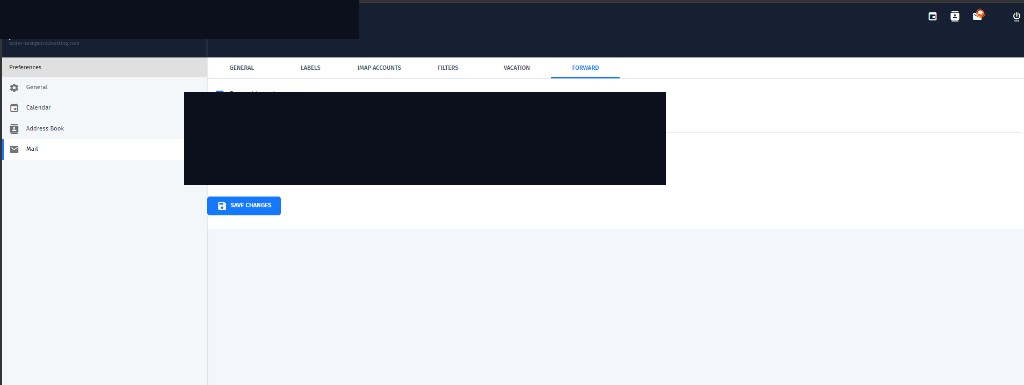
Set up forwarding
- Open Preferences → Mail → Forward
- Enable forward incoming messages
- Add one or more destination email addresses
- Decide whether to keep a copy in the 0724 Mail mailbox
- Save changes
Tips
Forwarding is useful when you want a copy at another address. Prefer keeping a copy while you verify the destination works. Bulk marketing use of mailboxes is not permitted on 0724 Mail.